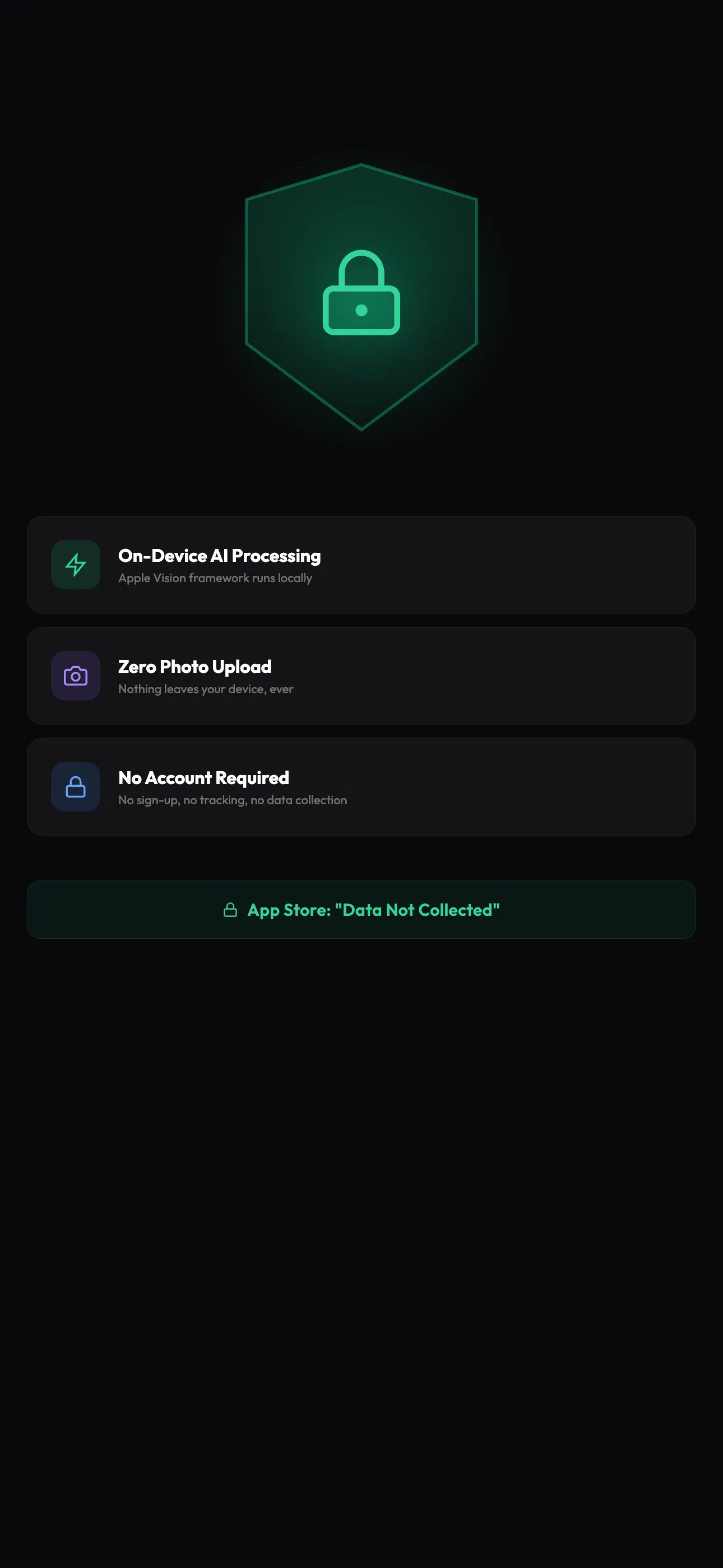
On-device, always.
Apple's Vision framework runs the entire analysis locally. No cloud, no servers, no account. 0 network requests during scan.
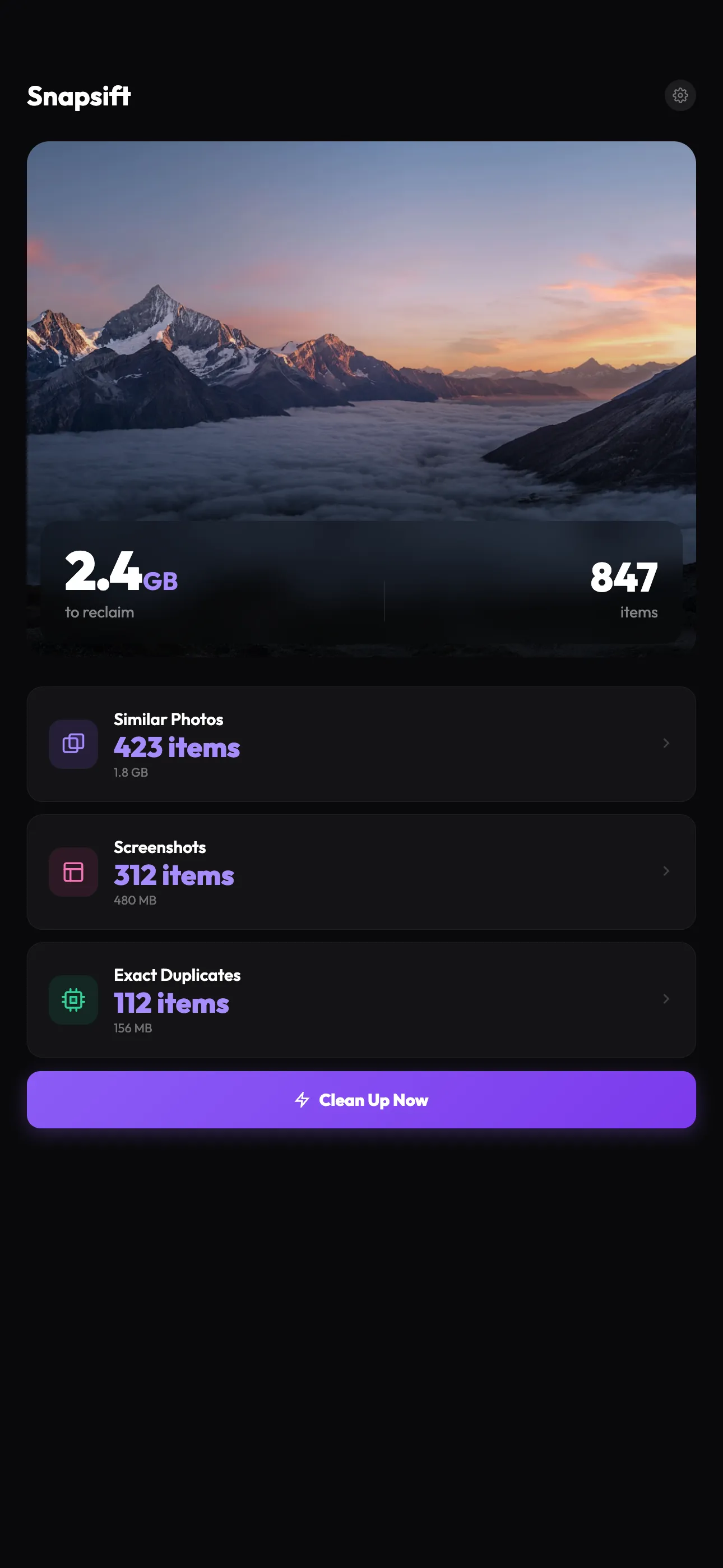
Apple's tool only catches exact copies. Snapsift uses on-device Apple Vision to find similar shots from bursts, edits, and re-uploads. Native to iPhone, no Mac required.
Six tools that quietly do the work, from grouping look-alikes to picking the sharpest shot in a burst. All on-device, none of it uploaded.
Apple's Vision framework runs the entire analysis locally. No cloud, no servers, no account. 0 network requests during scan.
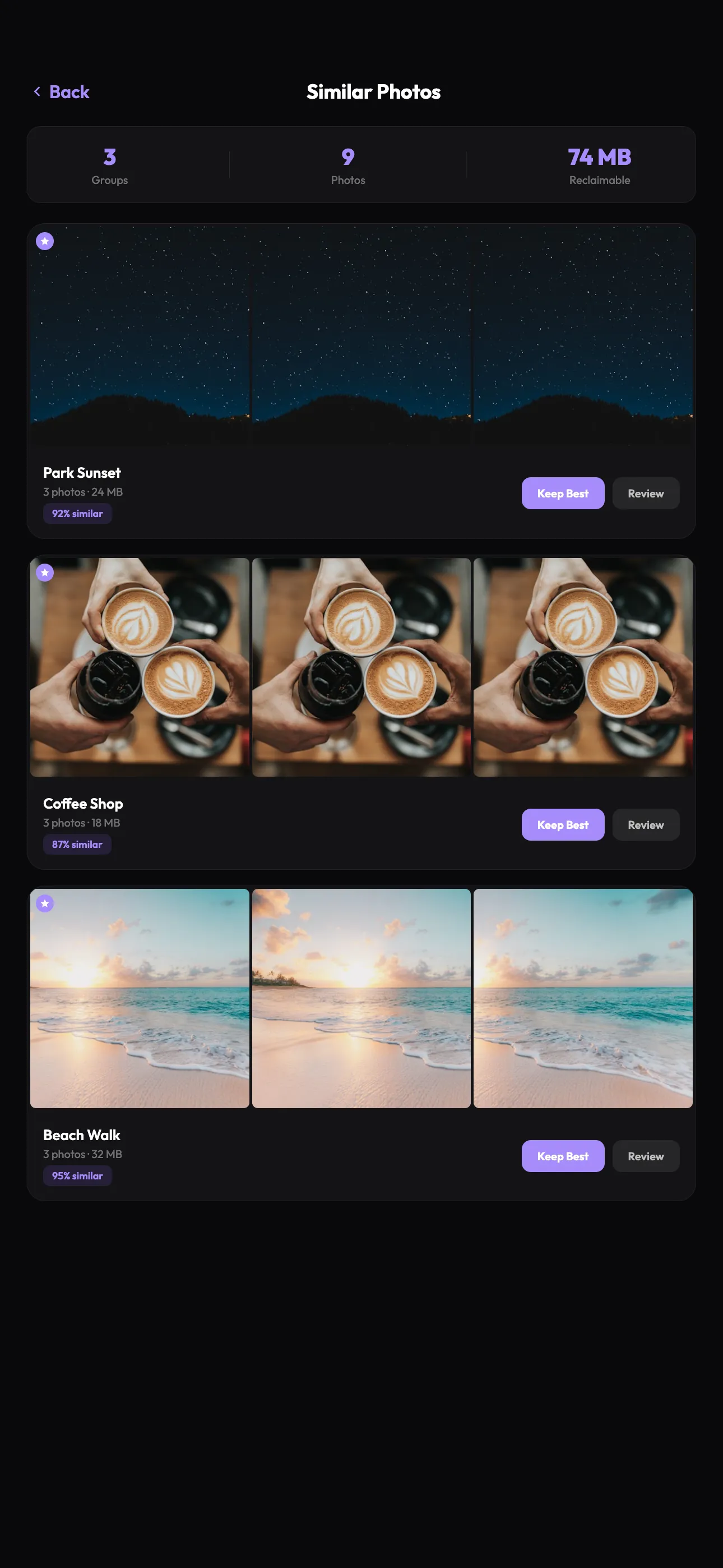
★ Vision feature vectors cluster near-identical shots automatically. Three similar photos, one best shot highlighted.
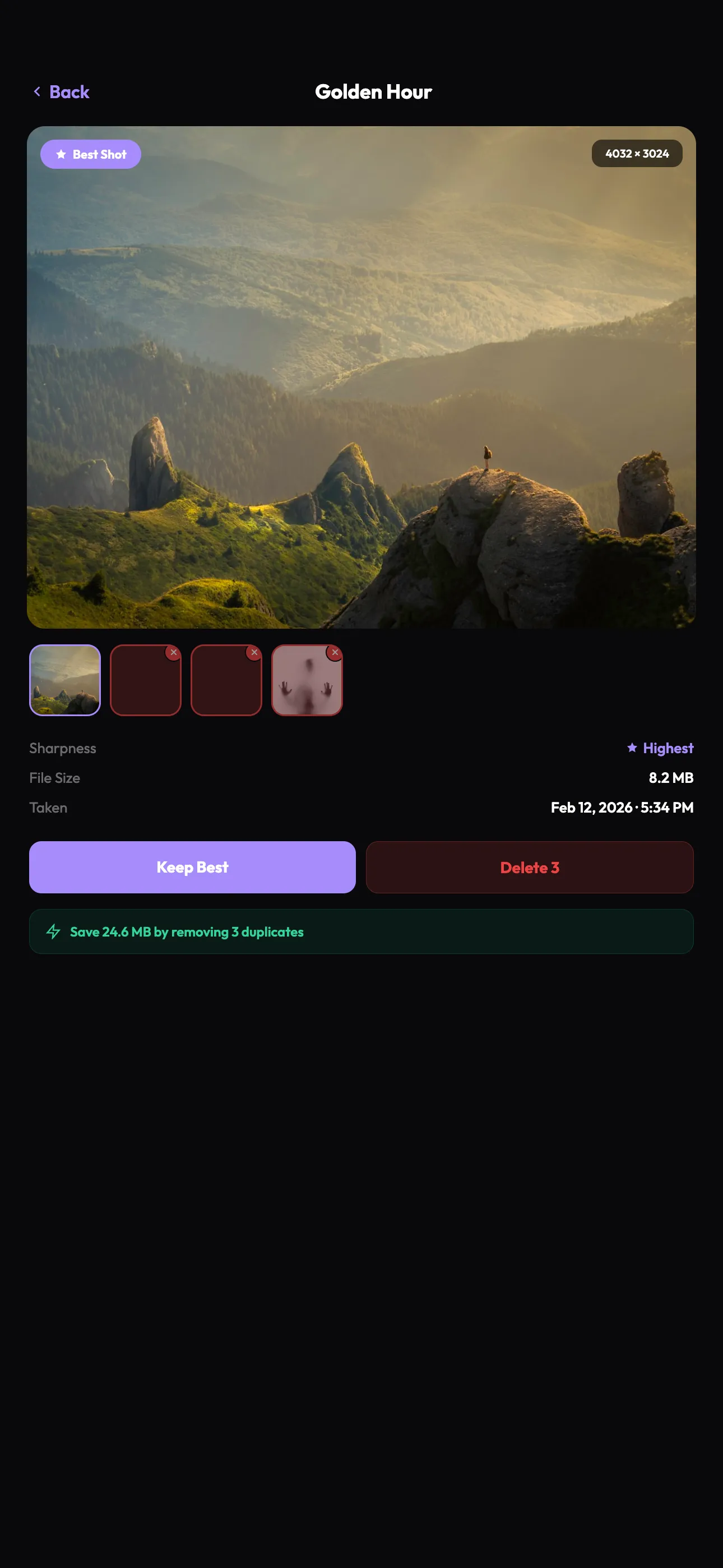
★ Best shot Sharpness, faces, resolution, composition, recency. Weighted to keep the shot you'd actually choose.
Tap into any group to compare at full resolution. Pinch to zoom. Decide in seconds.
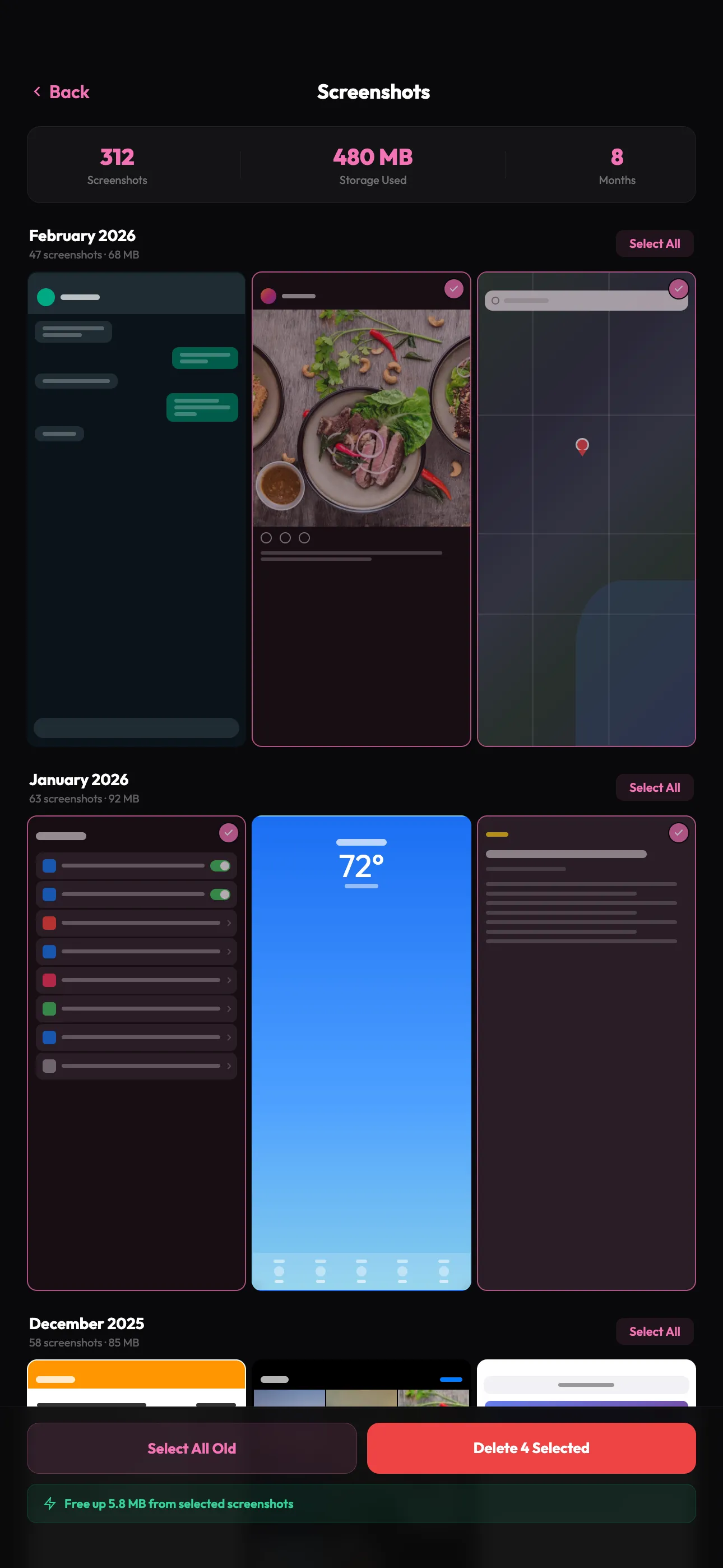
Monthly sections highlight piles of receipts, memes, and old confirmations. Clear hundreds in a sweep.
Parallel feature analysis since v1.2.2. The same library that took 8 minutes now scans in twelve seconds.
Three steps from cluttered library to a clean camera roll. No setup, no account, no upload.
Grant photo library access. Snapsift analyses every photo on-device. A 1,000-photo library scans in under 30 seconds.
Browse duplicate groups by visual similarity. The best shot is pre-selected. Override with a tap if you disagree.
Confirmed deletes go to Recently Deleted, recoverable for 30 days. Nothing is destroyed silently.
Snapsift uses Apple's Vision framework to analyse photos locally. No data is uploaded, no account is required, and no third-party services see your library. The privacy label says "Data Not Collected" because nothing is collected.
Field notes on iPhone storage, photo cleanup, and the small habits that keep your library breathing.
A practical playbook for clearing thousands of duplicates safely, using Apple's tools first and Snapsift for what they miss.
The gaps in iOS 16+, and what to do about them.
Triage in order of cheapest to delete to hardest.
A monthly habit that takes under 2 minutes.
No. All analysis runs on-device using Apple's Vision framework. Snapsift makes zero network requests during scanning or review.
Apple's Duplicates only finds exact pixel matches. Snapsift finds near-identical shots (bursts, slight angle changes), ranks the best one in each group, and gives you a month-by-month screenshot cleanup view. Read the full breakdown.
Three steps: scan your library on-device, review groups (the best shot is pre-selected), then delete safely to Recently Deleted. Full step-by-step guide.
Free to scan and review. 15 deletions per month included. Pro unlocks unlimited deletions: $19.99/year or $39.99 lifetime.
Deletes go to your Recently Deleted album in Photos, where they stay recoverable for 30 days. Snapsift never deletes anything silently.
Start by clearing duplicates and screenshots: they pile up the fastest and are safest to delete. A full triage from cheapest to hardest deletes.
Snapsift works with iCloud Photos. For very large libraries with Optimise iPhone Storage on, the first scan may need to download originals. Turn it off temporarily for fastest results.
Use Snapsift's month-grouped screenshot view to clear receipts, memes, and old confirmations in a sweep. A 2-minute monthly habit that keeps screenshots tidy.
Not currently. Snapsift relies on Apple's Vision framework for on-device analysis, which is iOS-only. iPad support is on the roadmap.
iOS 17 or later. iPhone only (iPad coming soon).
Free to try. Pro unlocks unlimited deletes. iOS 17+.
Download on the App Store