
Finds what Apple misses
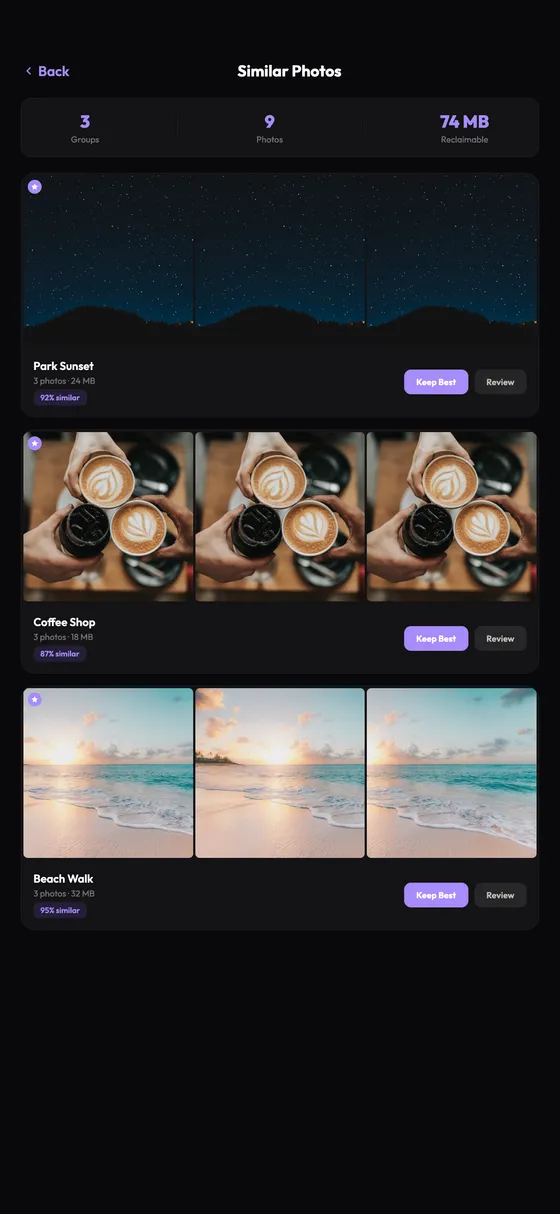
Compares visual similarity, not file metadata. Catches near-duplicates, burst shots, and subtle variations the built-in Photos app skips entirely.
iPhone Photo Cleaner
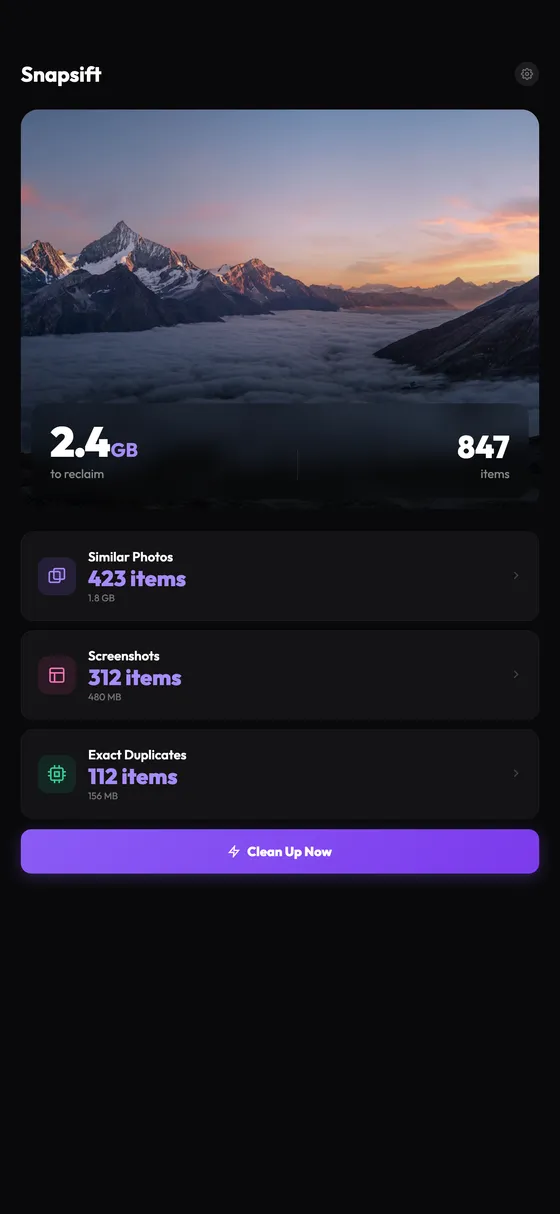
Thousands of near-identical shots hiding in your camera roll. Snapsift finds them in 60 seconds, picks the best one, and helps you let go of the rest. All on-device. Nothing uploaded.
What it does
Compares visual similarity, not file metadata. Catches near-duplicates, burst shots, and subtle variations the built-in Photos app skips entirely.
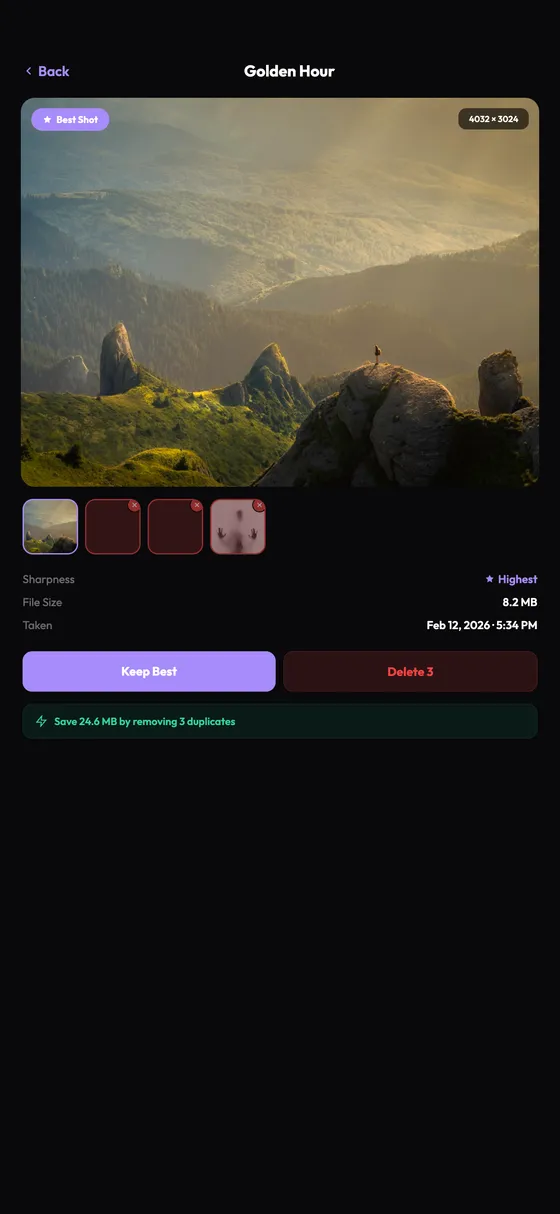
Sharpness, faces, composition, resolution. Every photo gets scored. The best one rises to the top. One tap cleans the rest.
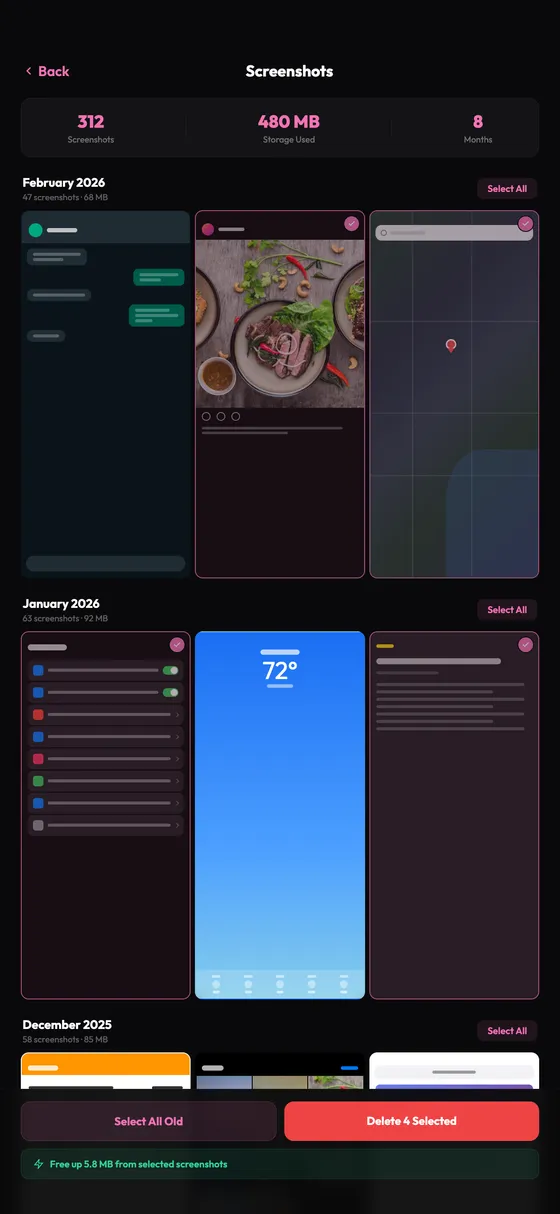
Old receipts, memes, random captures. Screenshots pile up fast. Browse by month, select in bulk, reclaim the space.
How it works
One tap. 60 seconds. Your entire photo library analyzed on-device.
Duplicates grouped side-by-side. AI highlights the sharpest shot in each set.
Swipe to delete the extras. 30-day safety net in Recently Deleted.
Privacy
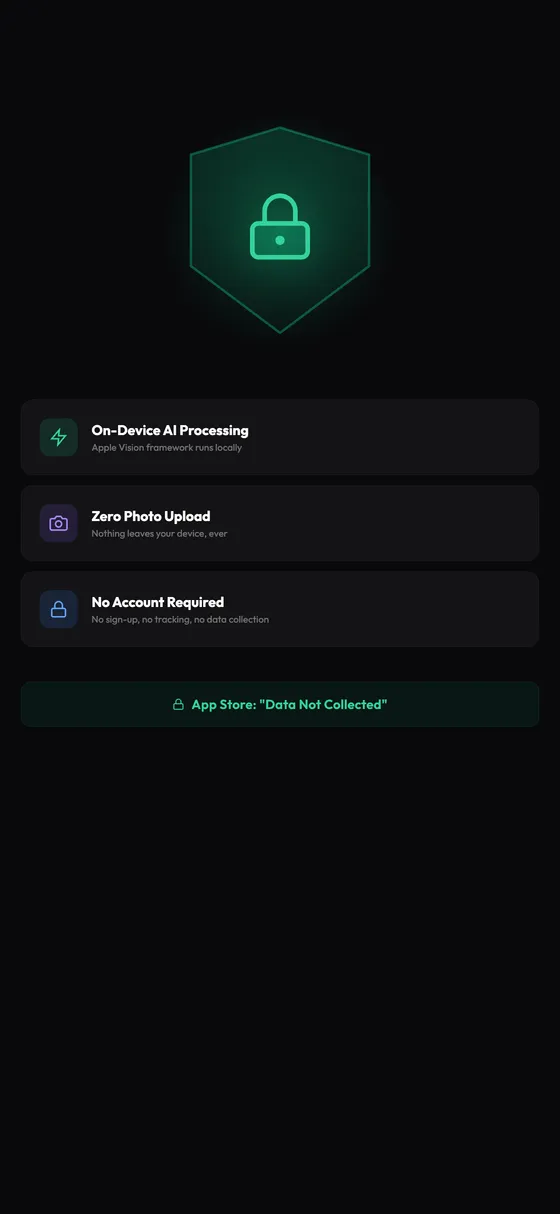
Every scan, comparison, and analysis runs on-device through Apple's Vision framework. No network calls. No cloud. Your library stays yours.
Pricing
Also: $3.99/mo or $39.99 lifetime
Start 7-Day Free Trial7-day free trial on annual plan. Cancel anytime in Settings.
FAQ
The built-in Duplicates album only finds exact pixel-identical copies. Snapsift uses AI visual comparison to find photos that look similar but are not file-identical, like five shots of the same sunset or burst photos from the same moment.
No. Every scan runs entirely on your iPhone using Apple's Vision framework. Zero network calls, zero cloud processing. Your photos never leave your device.
About 60 seconds for a typical library of 3,000-5,000 photos. Larger libraries may take a bit longer.
Deleted photos go to the Recently Deleted album in your Photos app, where they stay for 30 days before permanent removal. You can restore them anytime during that window.
Yes. You can scan your entire library and delete up to 15 photos per month for free. Snapsift Pro unlocks unlimited cleanup for $19.99/year, $3.99/month, or $39.99 lifetime.
The Duplicates album only appears when iOS has found exact duplicates. Your iPhone needs to be locked and charging to complete indexing. If you use Optimize iPhone Storage, the scan may not work on lower-resolution local copies.
From the blog
Four methods compared, from the built-in Duplicates album to AI-powered cleanup.
Read moreThe Duplicates album only finds exact copies. Here is why it skips similar photos.
Read moreYour photo library is the biggest storage hog. Here is how to reclaim gigabytes.
Read more